 Futurion Solutions
Free · Open source · On your servers
 TrustForma
Your Company's Training Portal
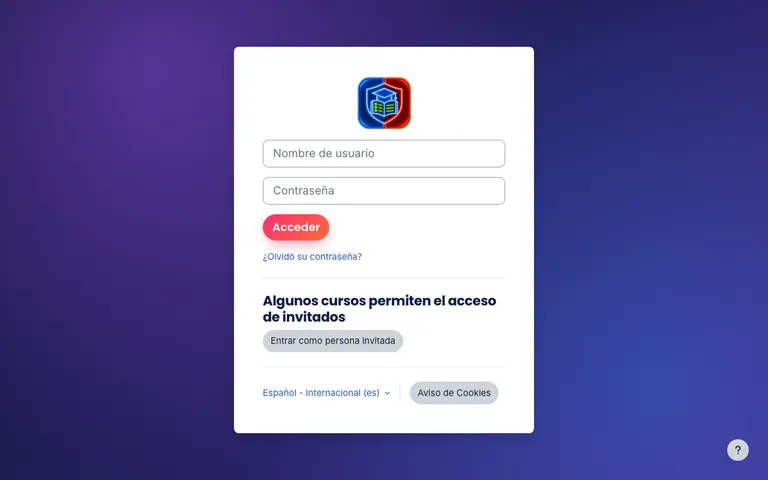
Your employees sign in with their work account, take the courses and confirm they have read the company policies. You see who has finished and who has not, and when an audit arrives, the record is already there.
Who it is for
Each person sees only what they need
The employee
Gets an email, signs in with their Microsoft 365 account and does each module when it suits them, before the deadline. A certificate arrives when they finish.
Whoever runs training (HR or IT)
Adds the staff, sets the deadlines and sees at any moment who is up to date. Reminders go out on their own, and only to people who have not finished.
The auditor
Asks for proof that staff are trained and have read the policies, and receives it with the name, date and score of each person.
What it can teach
One place for all internal training
Cybersecurity, from day one
A 9-module course based on INCIBE's free awareness kit: protecting information, fraudulent email, passwords, the workstation, mobile devices and social media. Each module ends with a short test.
Your own courses
Onboarding for new hires, data protection, internal procedures: any in-house course works the same way, with deadlines, reminders and a certificate.
Company policies
Publish a policy and each person opens it and confirms, with a few short questions, that they have read it. A record is kept of who read it and when.
Your branding
The portal and the certificates can carry your company logo and colours.
How it works
What a Year of Training Looks Like
No spreadsheets and no chasing emails by hand.
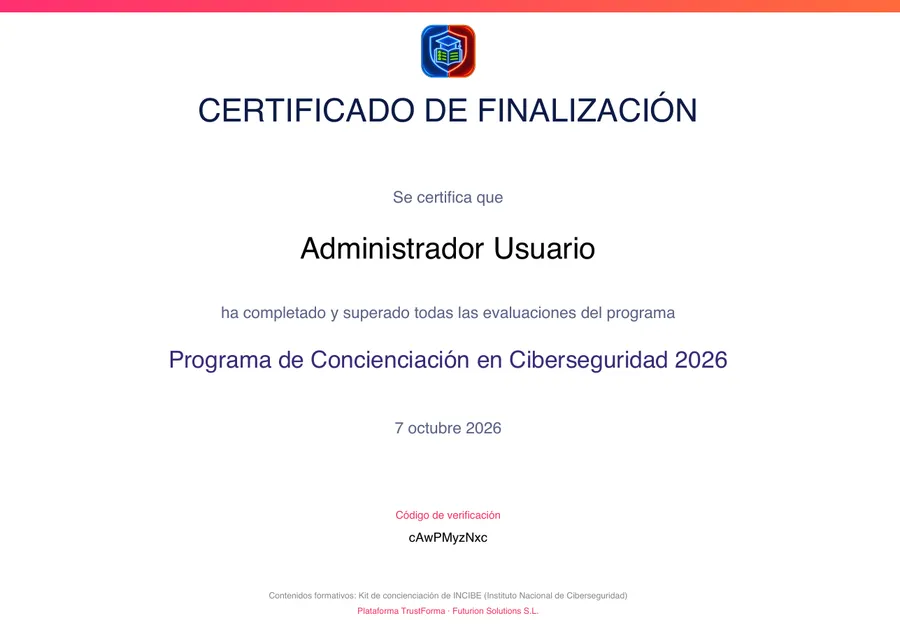
The certificate each person receives when they finish.
Free
No fees, no user limit
No per-employee price
TrustForma is free and open source (Unlicense). There is no subscription and no paid version.
Your data stays with you
It is installed on a server of your company or of your provider. It does not depend on any service of ours.
Help is there if you need it
Your team can install it by following the guide. If you would rather we did it, we offer that as a separate service.
For your IT lead
The technical details
Platform
Moodle 4.5 LTS, installed with Docker Compose on Linux or macOS. Configuration lives in files, and every change is shown before it is applied.
Sign-in
Microsoft Entra ID through Moodle's native OAuth 2 login, with a step-by-step guide for the Entra administrator. Moodle also supports Google, LDAP or Active Directory, CAS, Shibboleth, SAML 2 (with a plugin) and any OpenID Connect provider, such as Okta or Keycloak.
Reminders and certificates are sent from a mailbox on your own domain in Microsoft 365 or Google Workspace, using OAuth 2 instead of passwords.
Compliance
A read-only API reports the status of each person. CISO Assistant collects it as evidence for ISO 27001 A.6.3, ENS mp.per.3 and mp.per.4, and NIS2 art. 21.2.g. It fits with our GRC deployment service.
Before you start
- TrustForma is at pilot stage (version 0.1.0).
- It uses the INCIBE awareness material but is not affiliated with INCIBE. It helps you demonstrate compliance; it does not certify it.
- To use it with your staff you need a server with HTTPS and a mailbox for the reminders.